
Passport, Reputation, and Learn
Review account readiness, understand Reputation, and complete a course or Skill verification.
Passport summarizes what your account has demonstrated and what to do next. Learn provides courses and Skill interviews. Reputation is one requirement a Campaign can use for participation.
Use Passport
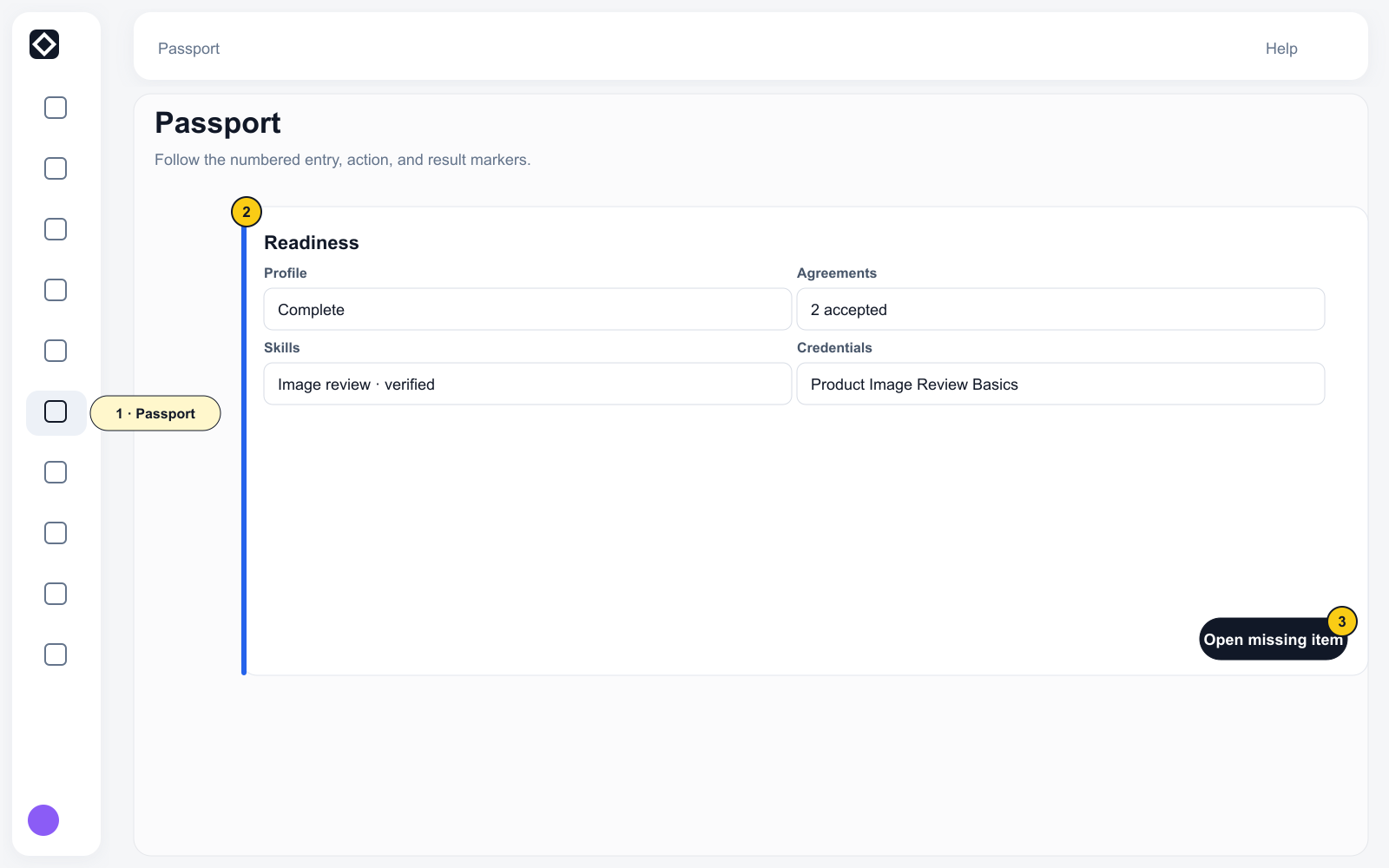
Open Grow → Passport. Passport is a private, read-only projection for the signed-in account and can summarize:
- Identity;
- Earnings;
- Credentials;
- Reputation;
- Standing;
- Badges;
- Next actions.
Select Verify identity, Verify your skills, All badges, How your score works, or an item under Next actions to continue.
Passport is different from the public @handle profile. Email, wallet, Earnings, Qualification details, and Passport content are not public.
Identity / KYC
Use Verify identity / Prove more from Passport. Follow the page instructions for Document type, Country, identity document front, Selfie, Full name, Date of birth, and consent.
Identity documents, selfies, legal names, and dates of birth are sensitive personal information. Submit them only through the product's identity-verification page.
Understand Reputation
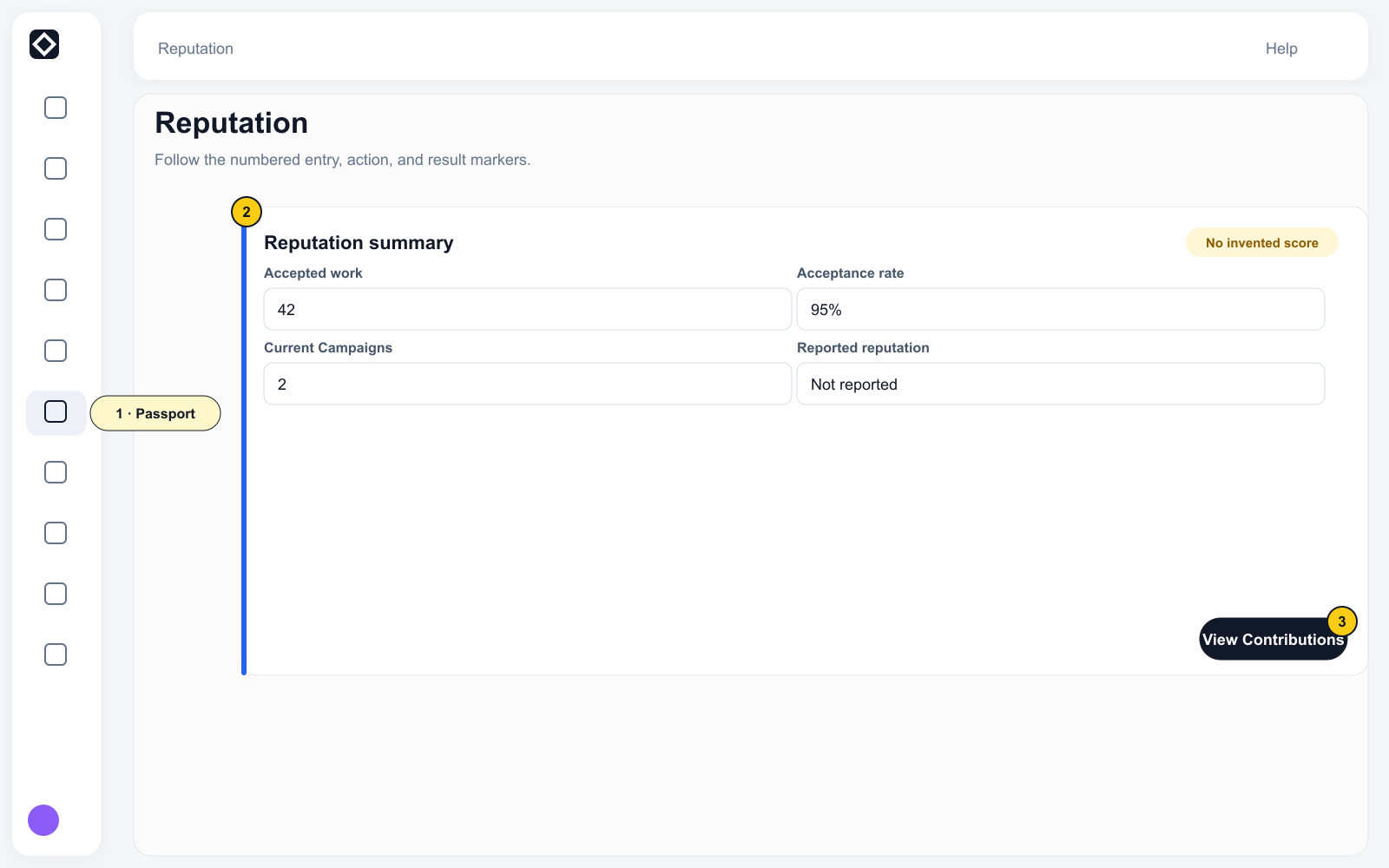
Select How your score works to review your tier, Quality, Identity, Volume, Engagement, Penalty, and suggested improvements.
A stronger Reputation can satisfy a corresponding Campaign threshold. It does not guarantee available Tasks, accepted Submissions, or specific Earnings. Staking does not increase Contributor Reputation.
Complete Learn content
- Open Grow → Learn, or use a remediation entry from a Campaign or Passport.
- When a course is available, select Start / Continue, complete its modules, and earn the Credential.
- When a Skill interview is available, select Begin skill interview, choose an available focus, and complete the questions.
- Return to the Campaign and check readiness again.
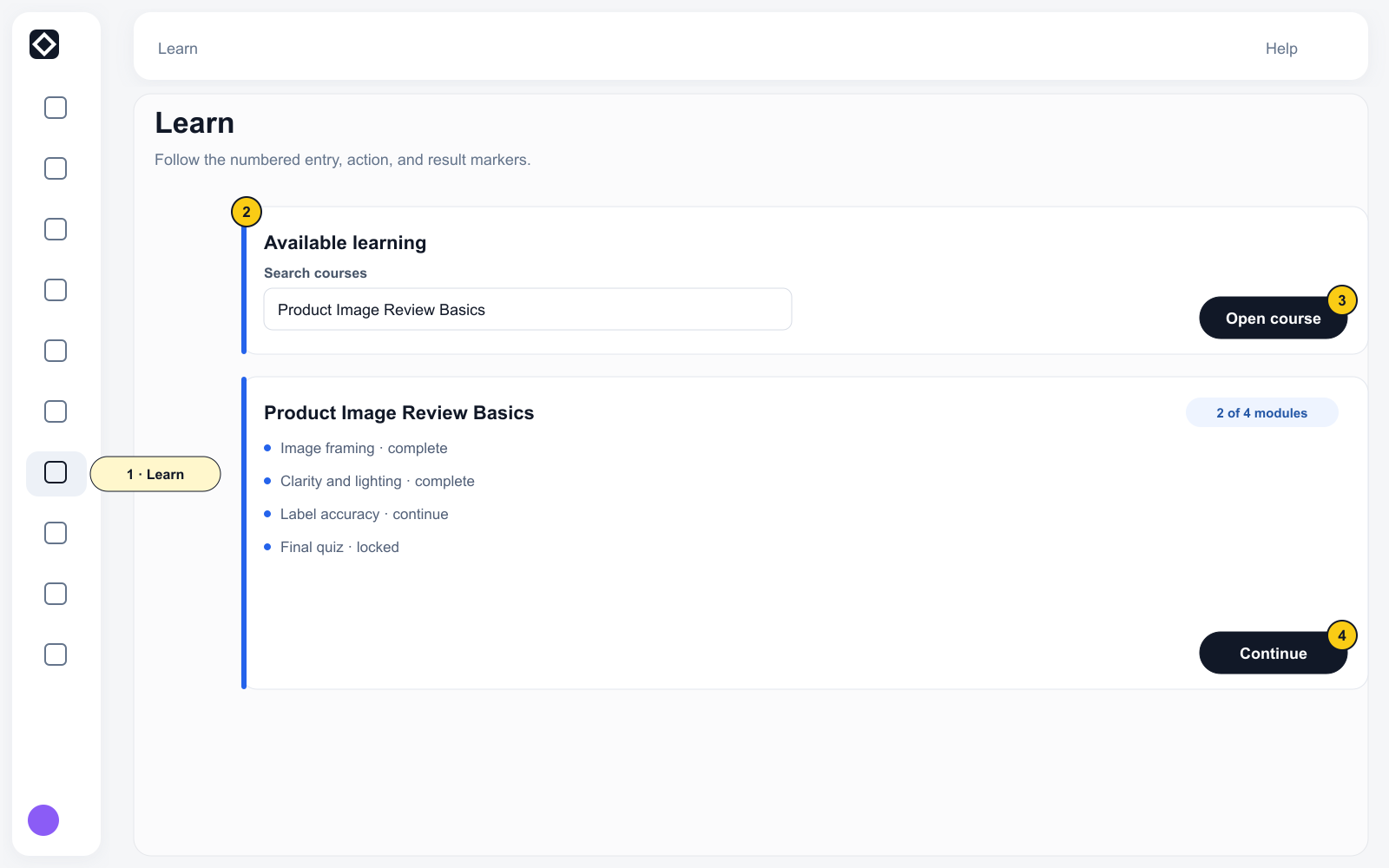
A course Credential satisfies only its matching qualification. Agreements, invite codes, Identity, and other requirements are evaluated separately.