
Developer Quickstart
Create a Draft and launch your first Campaign that can issue Tasks.
This guide covers the first Developer workflow: create a Campaign, configure its Pipeline, test the budget, and launch.
Before you begin
You need access to the Developer Portal and permission to manage Campaigns for the current Organization. Prepare the work instructions, participation requirements, Task Form, acceptance criteria, Reward, Task volume, and budget.
1. Create and configure the Draft
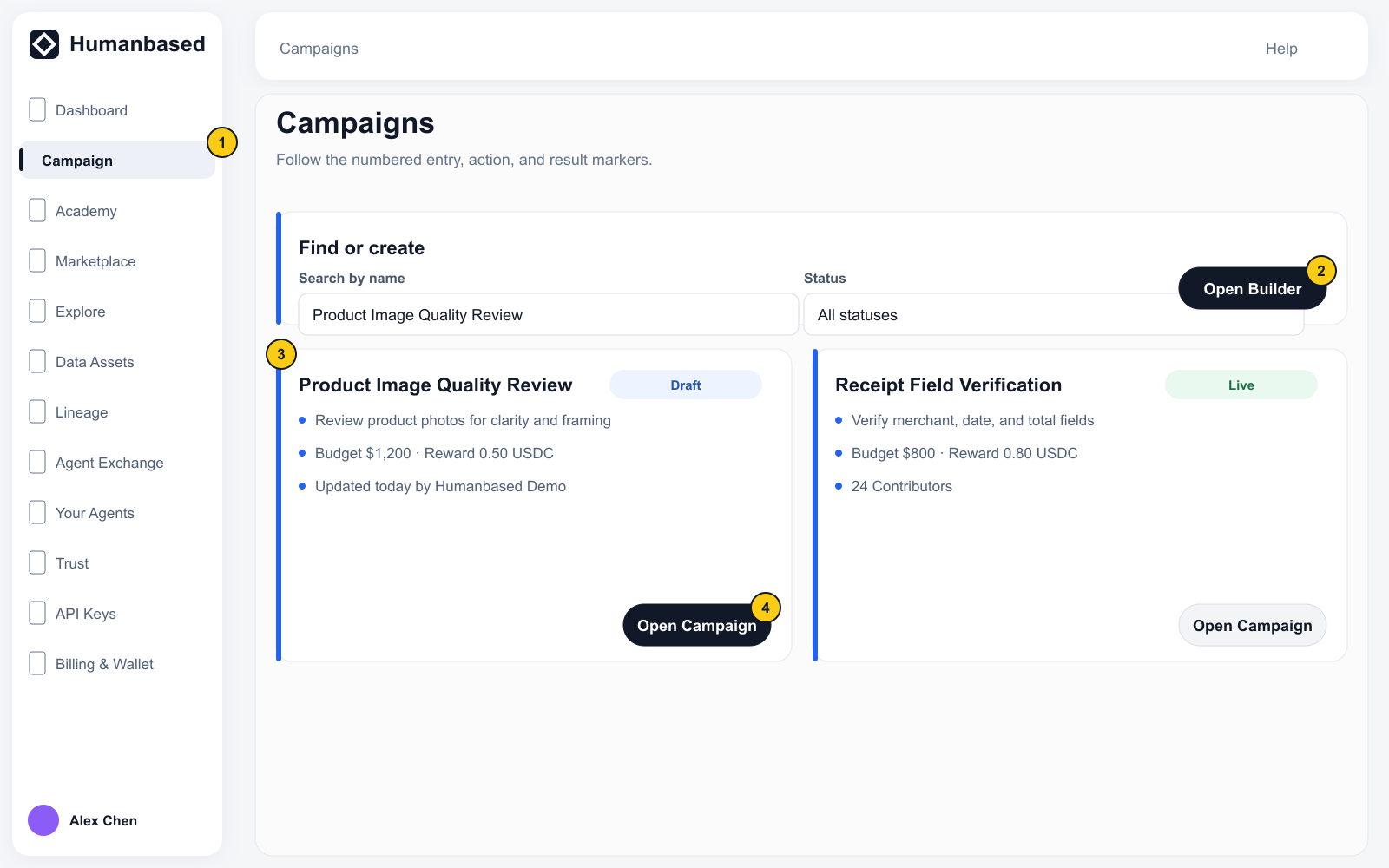
- Open Programs → Campaign.
- Select Open Builder.
- Humanbased creates a Draft and opens Campaign Detail.
- Open Settings → Identity & brief immediately. Replace the temporary name with the public Campaign Name, enter a Description, upload a Cover image, and select Save changes.
- Complete Budget, Brand & theme, Qualification requirements, Members, and Notifications as needed.
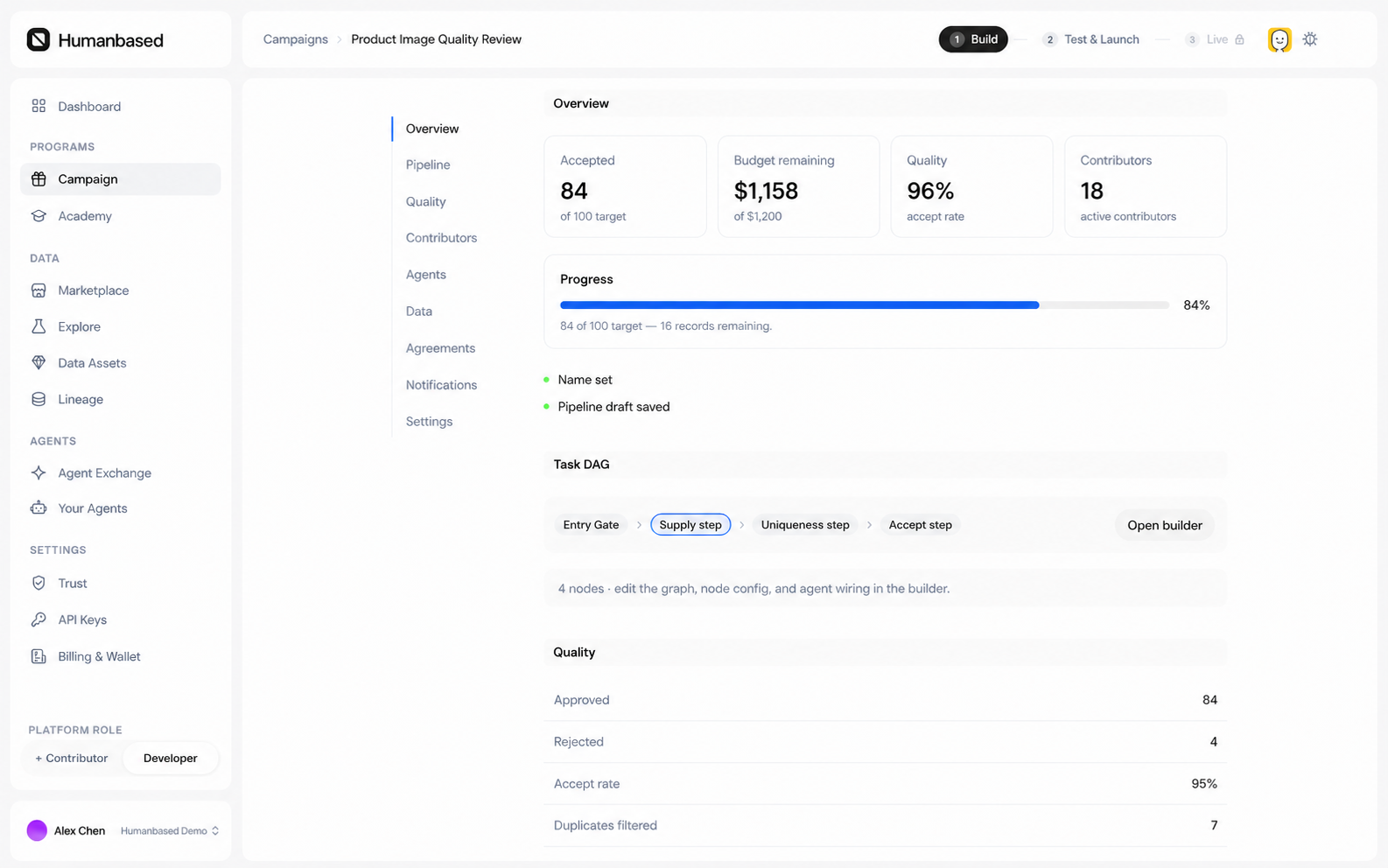
Campaign Detail explains the initiative. The Pipeline controls how work and data move through it.
2. Build the first Pipeline
- Select Open builder from Campaign Detail.
- A new Draft opens on a blank canvas.
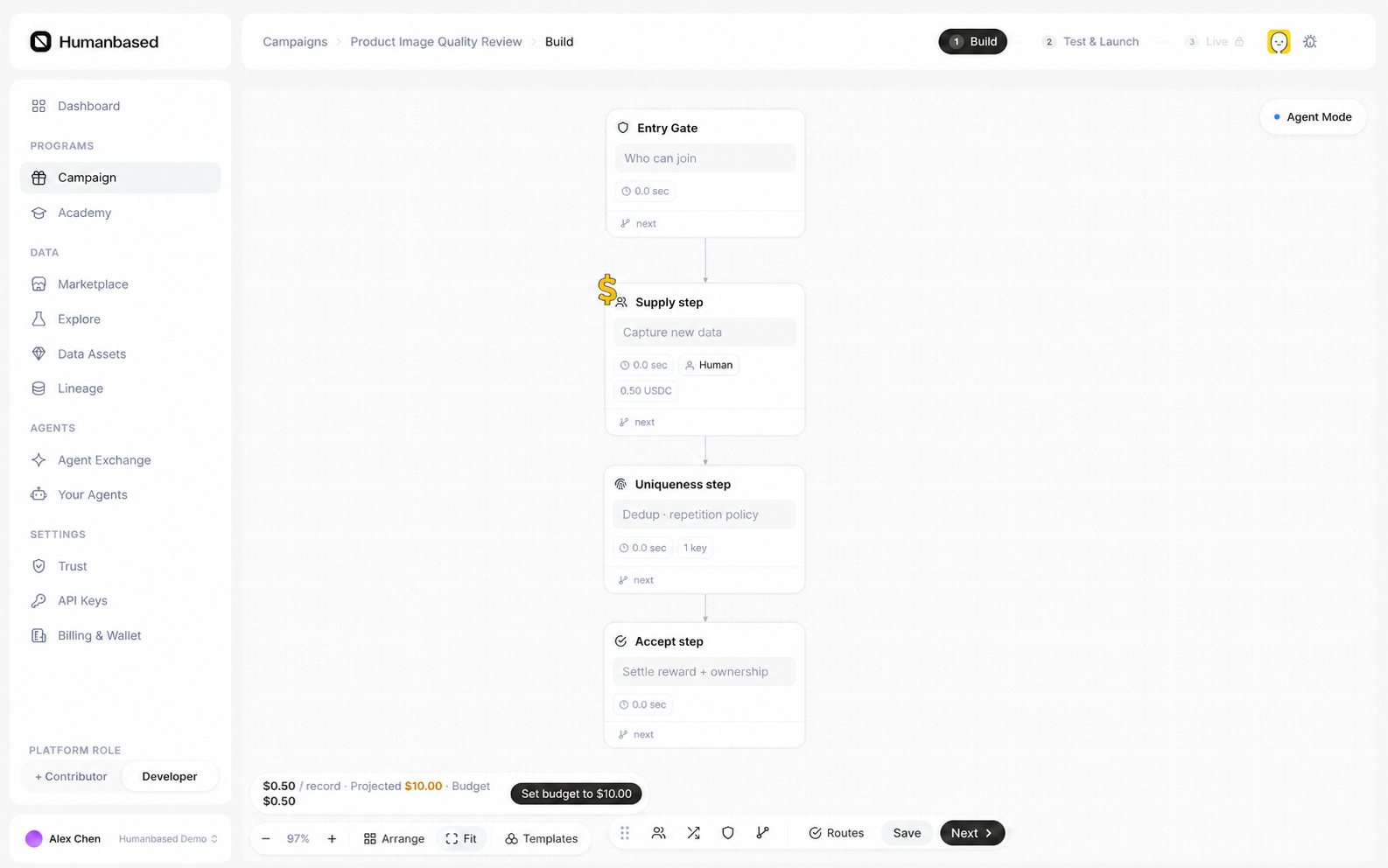
- Add Entry Gate from the third menu, Quality & Gate.
- Add Supply from Capture & Work, then configure its Task type, Form template, Reward, limits, and Items to collect.
- Add Accept from Exit & Flow.
- Connect the minimum launch path
Entry Gate → Supply → Accept. Add quality checks or Dataset delivery nodes only when this Campaign needs them. - Save each node configuration, then select Save at the bottom of Builder to save the nodes, connections, and layout.
3. Test and launch
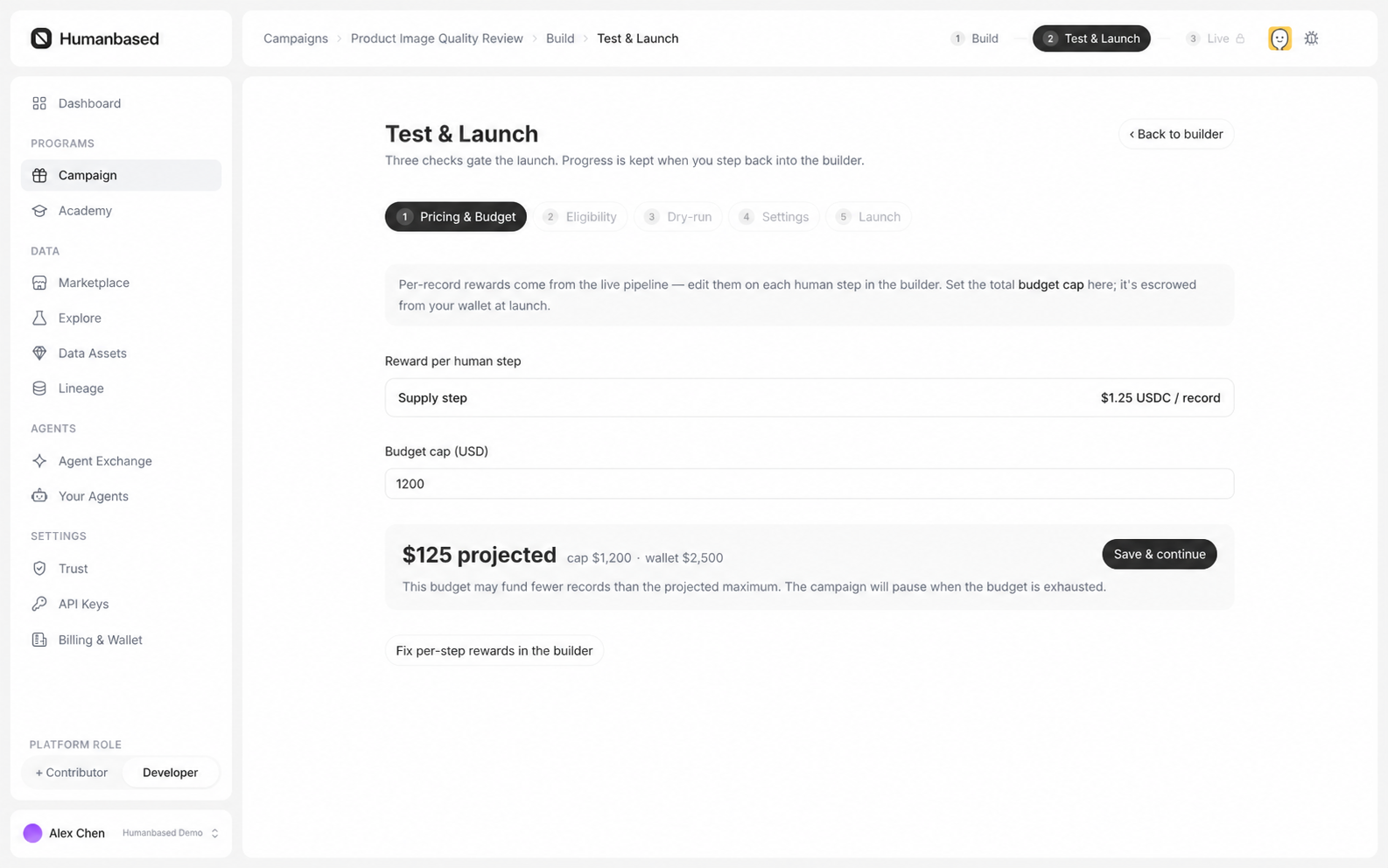
Select Next, then complete these stages in order:
- Pricing & Budget: confirm the Reward, Budget cap, Projected spend, and Wallet available.
- Eligibility: confirm Agreements, courses, Contributor profile requirements, and invitation settings.
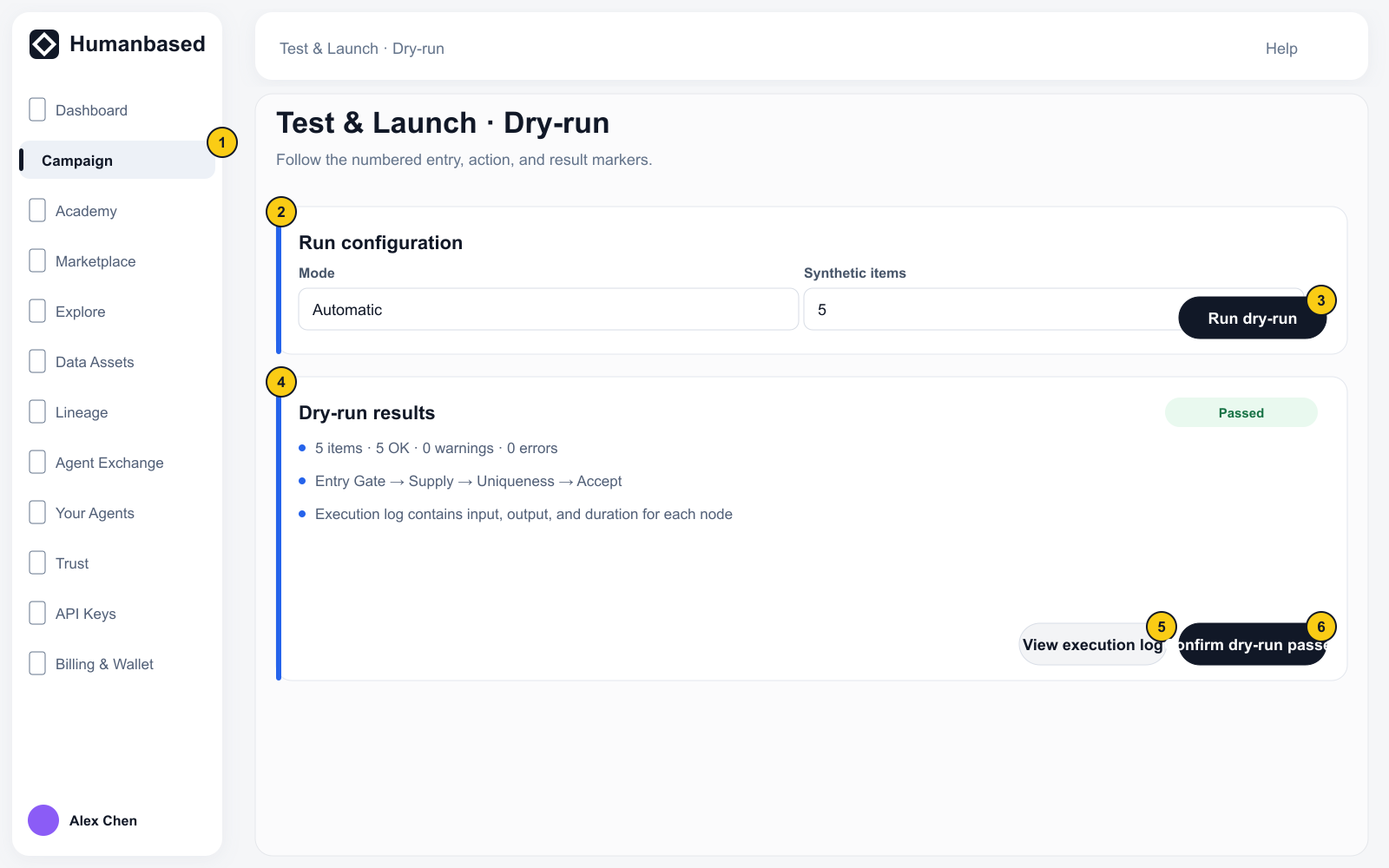
- Dry-run: run synthetic items through the Pipeline and inspect node input, output, warnings, errors, and the execution log.
- Settings: resolve the Name, Description, Cover image, and other launch requirements.
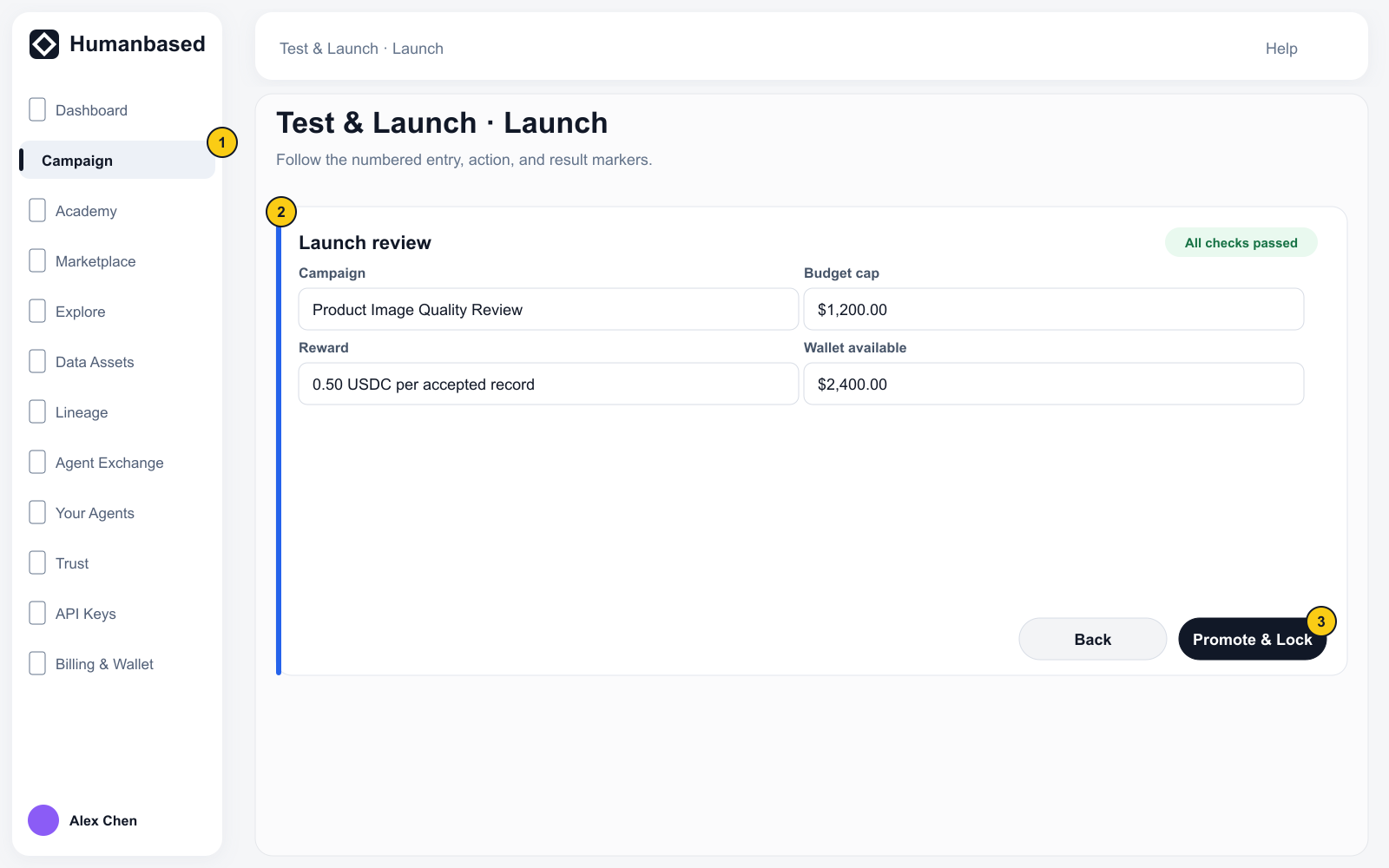
- Launch: review the Campaign, budget, and balance, then select Promote & Lock.
Completion state
The Campaign status changes to Live. Humanbased can now issue available Tasks to eligible Contributors. A Submission appears only after a Contributor completes a Task; Accepted does not by itself mean the result has been anchored, included in a Dataset, or published.