Datasets, Marketplace, and Lineage
Understand the current availability of Marketplace, Playground, Data Assets, and Lineage.
Current production availability
As of September 2, 2026:
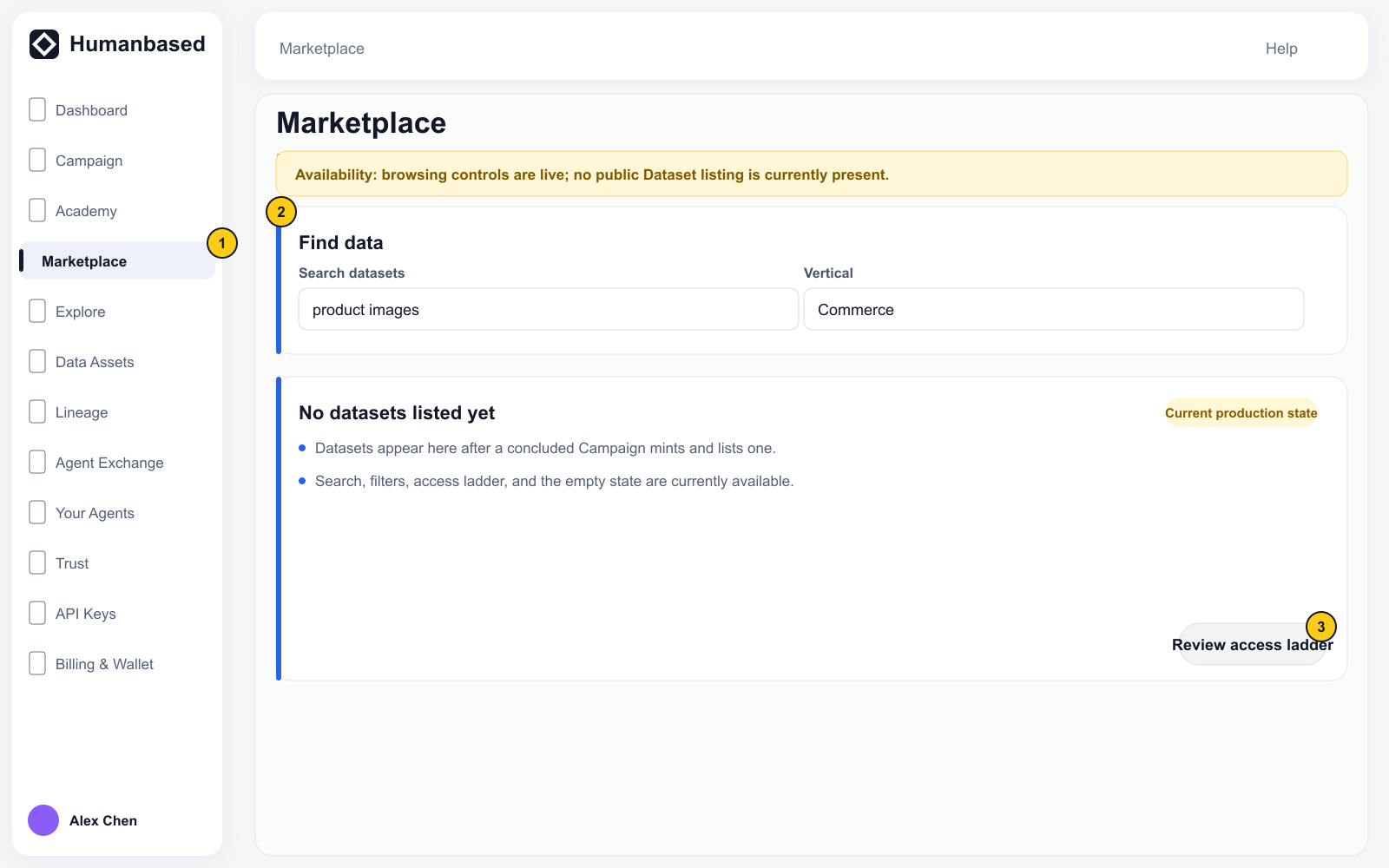
- Marketplace shows
No datasets listed yet. - Explore opens a page titled Playground, which shows
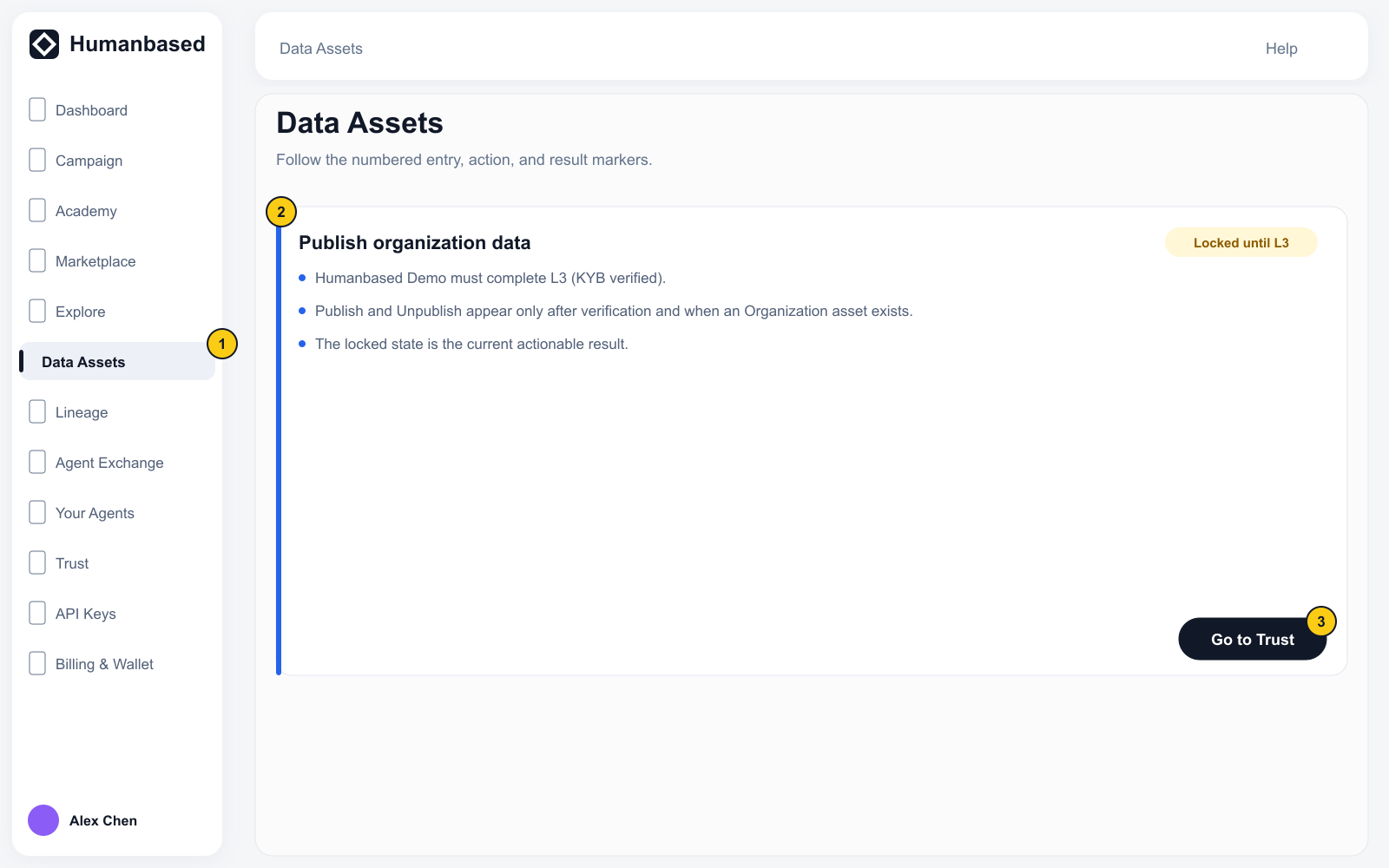
No datasets are listed yet. - Data Assets publishing is locked until the Organization reaches L3 (KYB verified).
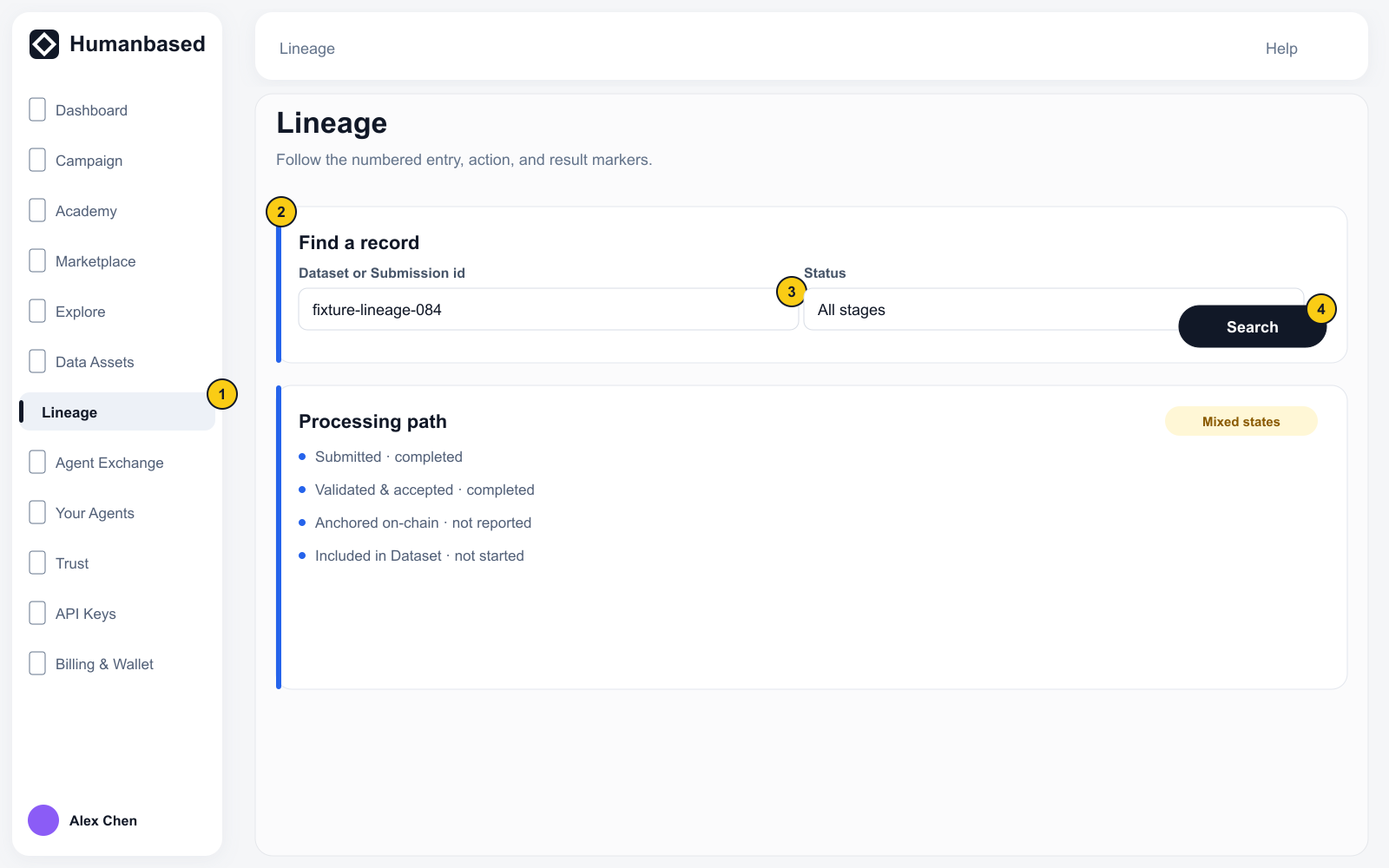
- Lineage opens a page titled Data, which shows
No datasets yet.
These are current product states, not errors. The conditional workflows below apply only when a real Dataset or unlocked publishing action appears. Example cards and staging data do not prove production availability.
Evaluate a Dataset
Use this flow only after Marketplace contains a real Dataset card:
- Open Data → Marketplace.
- Search for a Dataset or filter by vertical.
- Open a Dataset card.
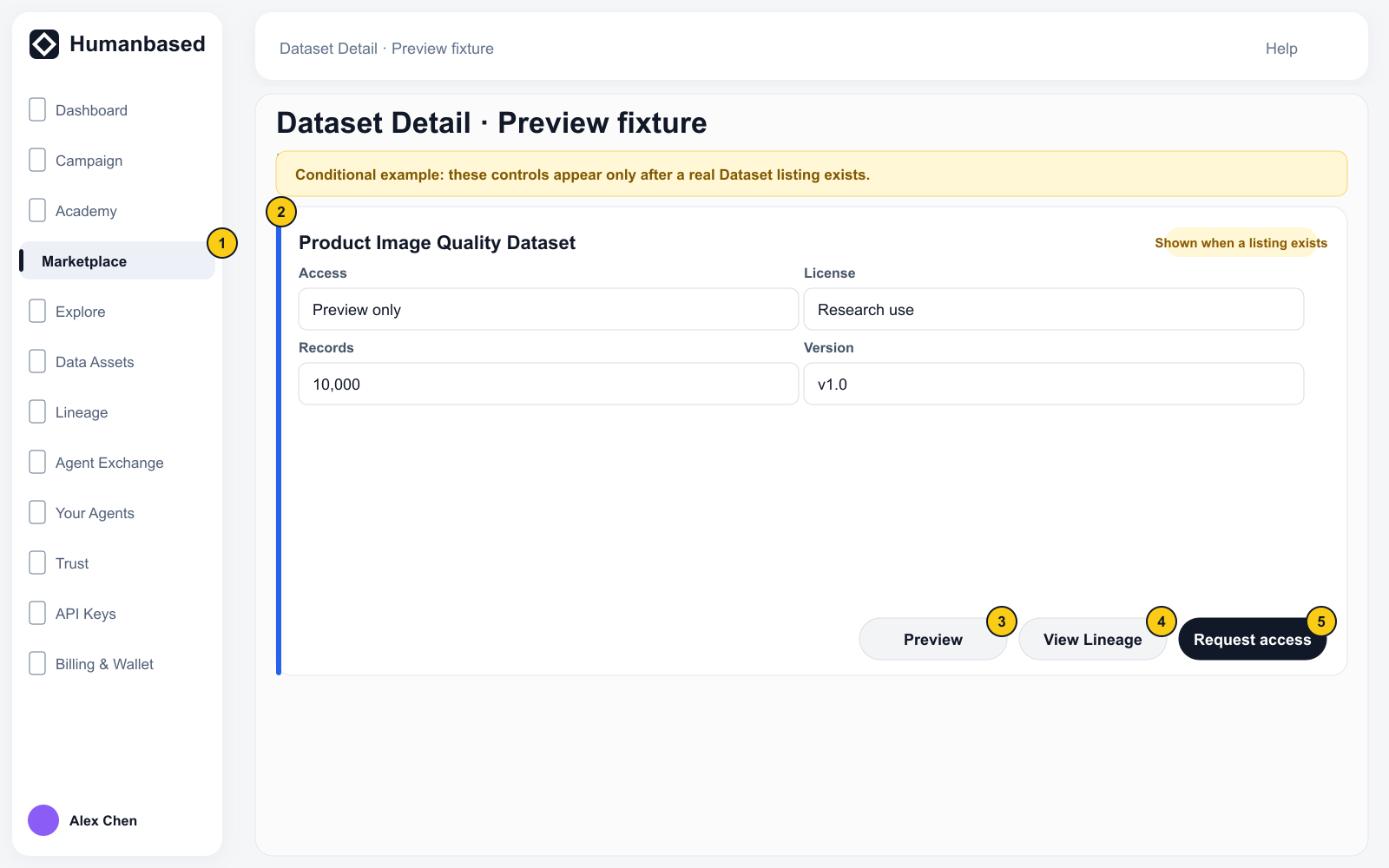
- Review Overview, Preview, Quality, Lineage, Access, Ownership & royalty, License, and Versions.
- Use Access to identify the current access level and available action.
Preview shows only the samples allowed by the current access level. Restricted fields can be masked.
Evaluate data in Explore
Use this flow only after Playground contains a selectable Dataset:
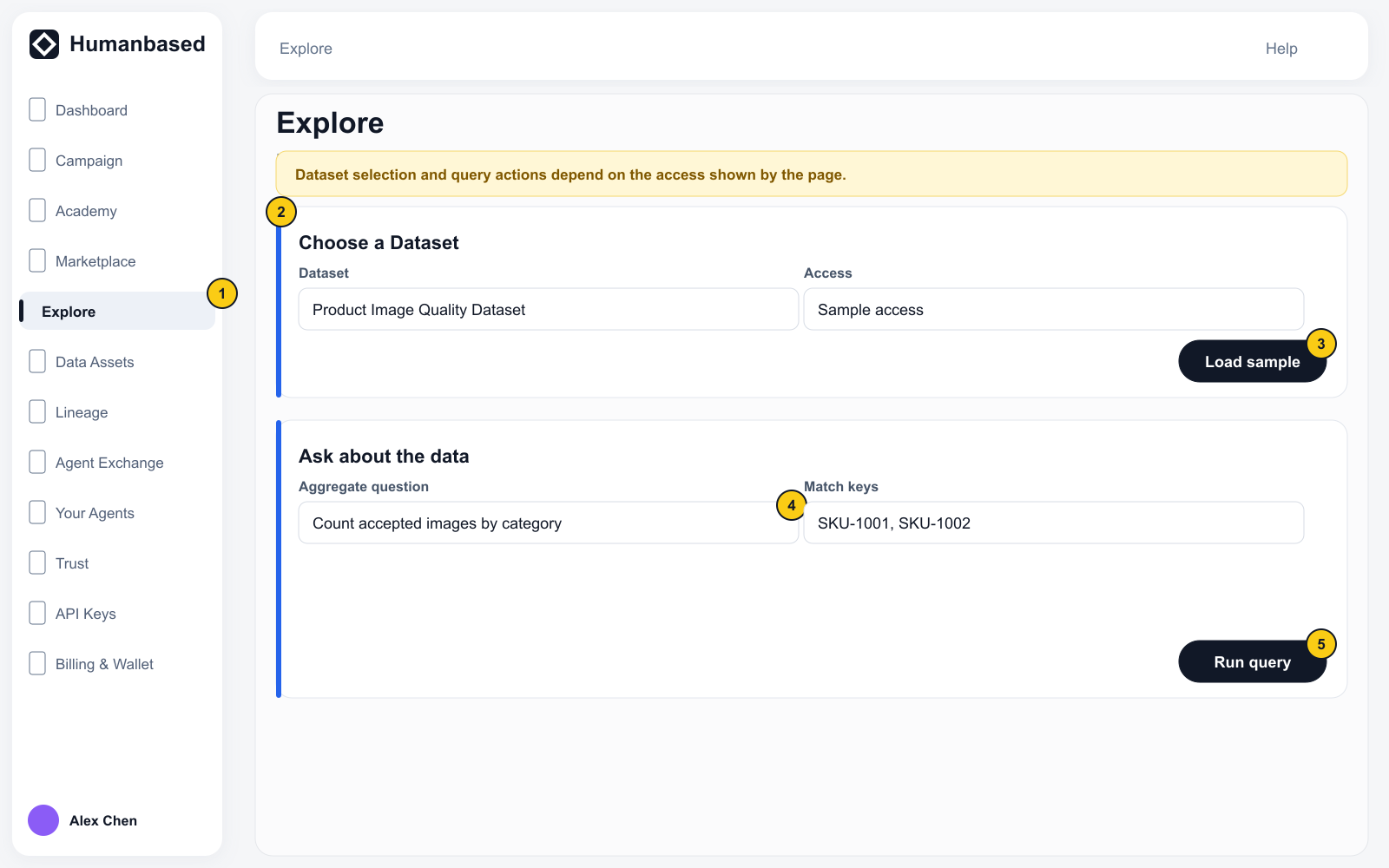
- Select Open Sandbox / Query in sandbox from Dataset Detail, or open Data → Explore.
- Select a Dataset.
- Review its fields, access state, and limited Sample records.
- Submit an aggregate question under Ask about the data.
- When Match is available, enter your own list of keys and run it according to the page rules.
Sandbox data cannot authenticate to the production API and does not provide full production access.
Publish a Data Asset
- Open Data → Data Assets.
- If publishing is locked, select Get verified / Go to Trust and complete the L3 (KYB verified) requirement.
- Use Publish / Unpublish only when the page actually unlocks the action and shows a real Organization asset.
Review organization Lineage
Open Data → Lineage. When a real Dataset appears, select it and review the stages shown by the page in processing order.
Lineage is a read-only evidence chain. An accepted Submission does not prove anchoring, Dataset inclusion, publication, or Royalty; read each stage's own status. Return to Campaign Builder to change the production workflow.