
Developer GuidesBuild and launch
Configure Contributor work
Use Supply and a Form template to define the Task a Contributor completes.
Supply creates human Tasks. Each Campaign can define its own work type, Form, Reward, and claim limits.
Configure Supply
- Select Capture & Work → Supply in Builder, or open an existing Supply node.
- Choose the Task type: source, label, validate, evaluate, or synthesize.
- Select an existing Form template, or create a new one.
- Set the Reward for work that satisfies the applicable Reward conditions.
- Set Concurrent tasks per user.
- Set Limit per contributor to No limit, Per day, or In total.
- Set Items to collect.
- Select Save in the node dialog.
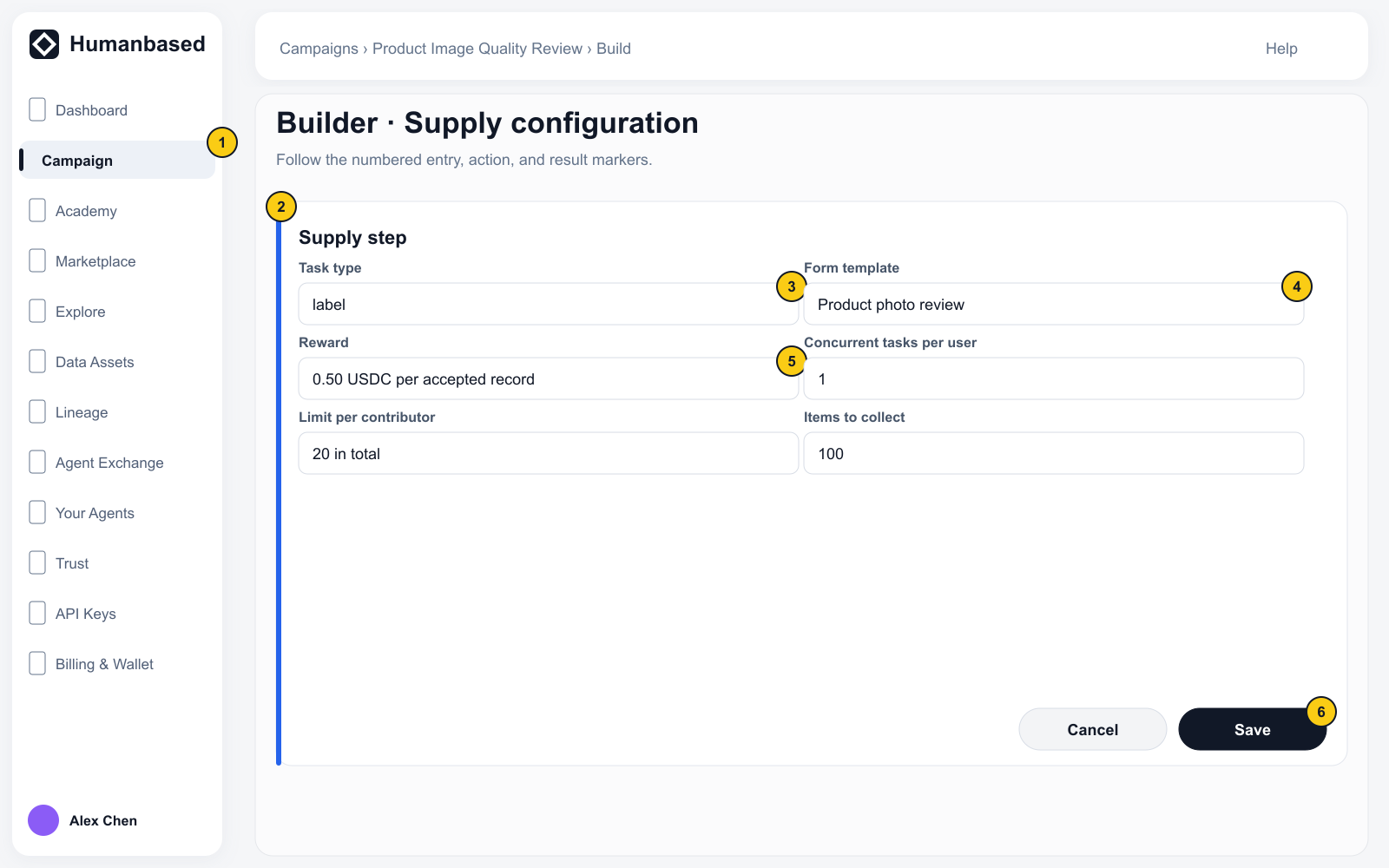
Labeling and validation work use the Supply Task type; they are not separate human-work nodes.
Create a Form template
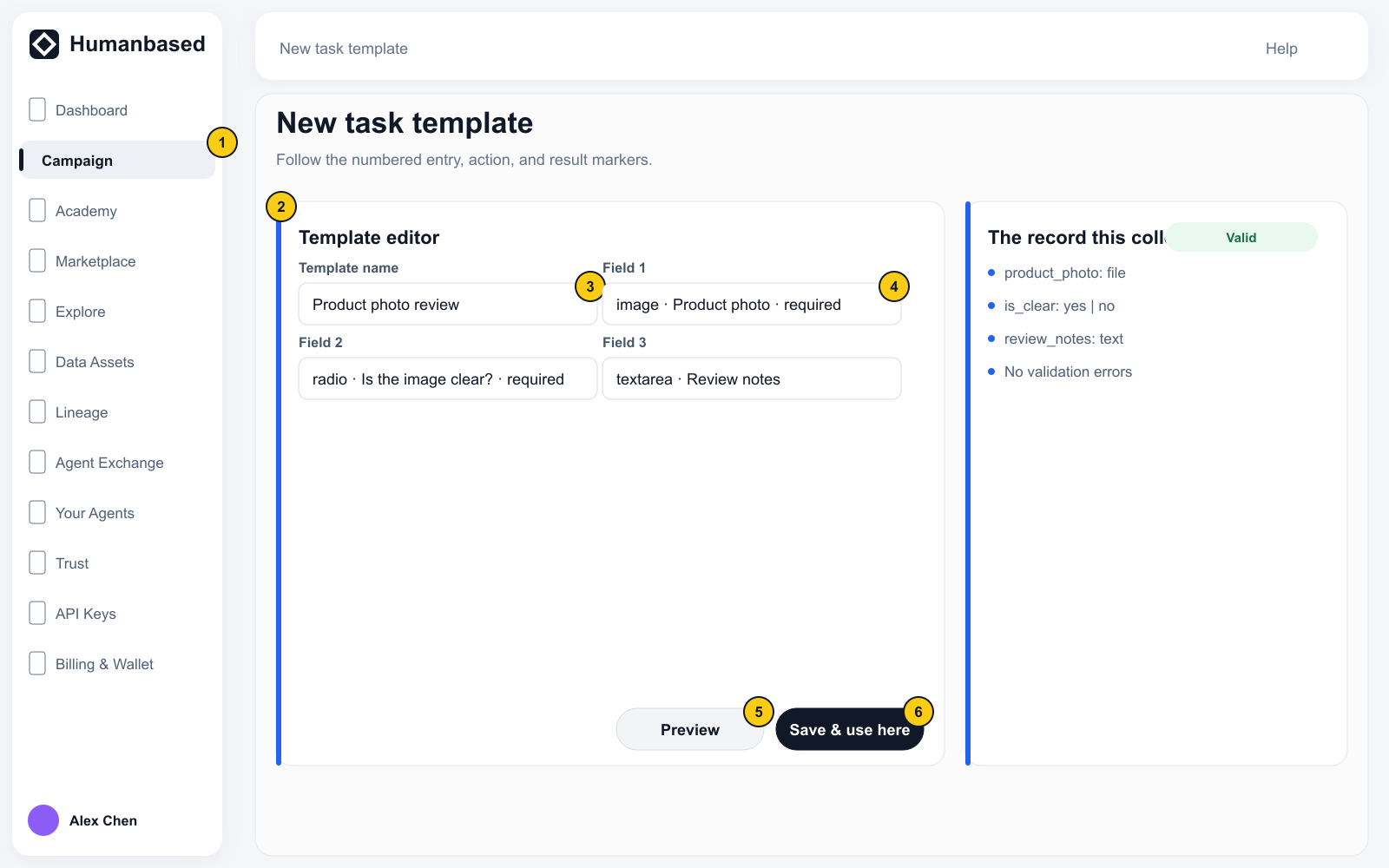
- Select Create a new template in the Form template area of Supply.
- Enter the Template name.
- Edit the field array in JSON. Every field requires a unique
idand a user-visiblelabel. - Select and Radio fields require options. Use
required: truefor required fields. - Open Preview and complete the Form as a Contributor would see it.
- Check the keys and values under The record this collects.
- Resolve every JSON or field validation error shown by the page.
- Select Save & use here.
Check the result
Supply should show the intended Task type, Form template, Reward, and limits without warnings such as No template selected.
After saving the node, select Save at the bottom of Builder to save the full graph.