Test, budget, and launch
Complete the five Test & Launch stages and promote a Draft Campaign to Live.
After saving the Pipeline, select Next to open Test & Launch. The five stages unlock in order.
1. Pricing & Budget
The page shows each human step's Reward, Budget cap, Projected spend, and Wallet available.
Wallet available is the Organization's available USD balance. Launch reserves the Budget cap from it in USD; a USDC balance is not required and is not counted. See Reserved Campaign budgets.
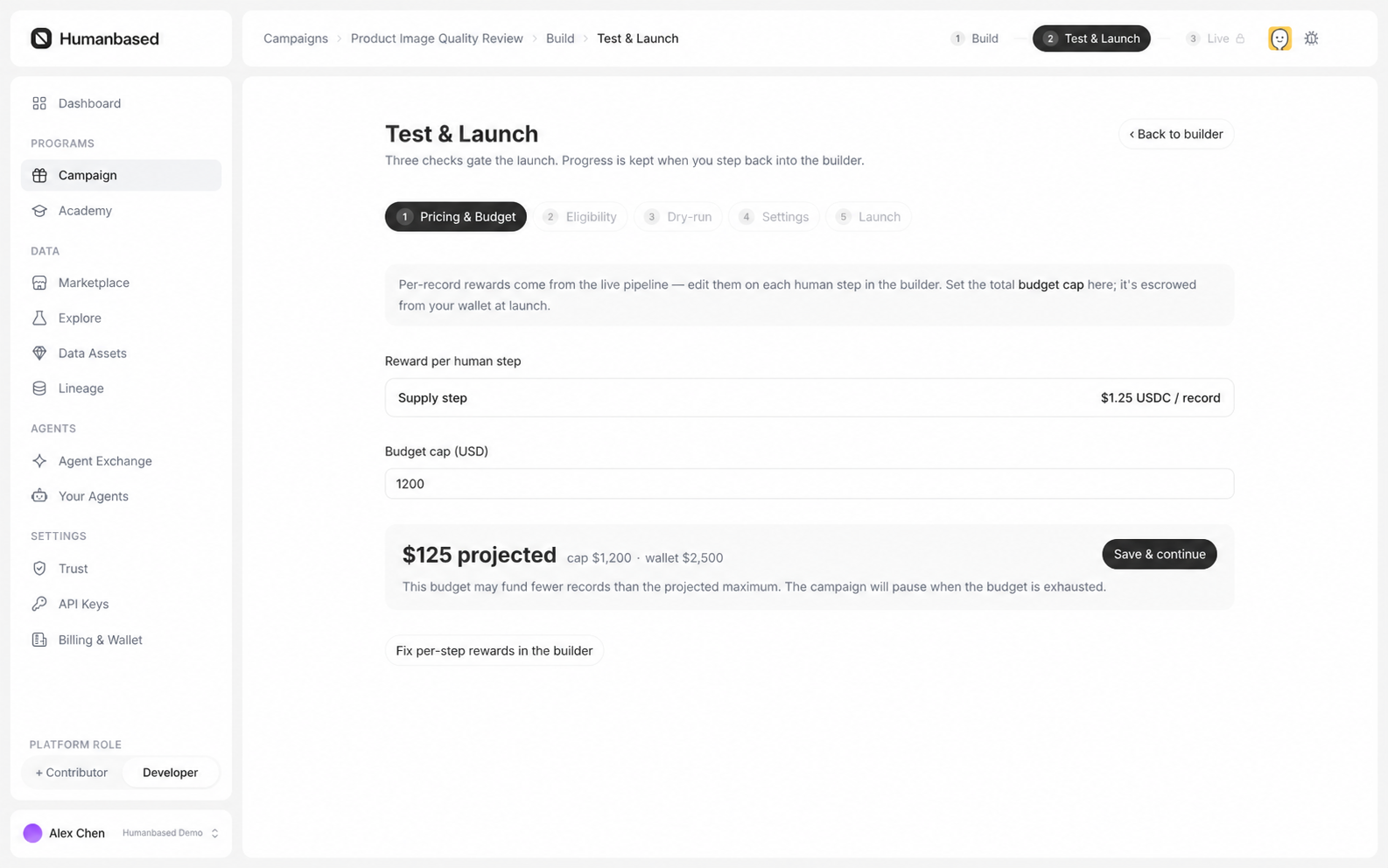
- Review the Reward for each human step. To change it, return to Builder and open the relevant Supply node.
- Enter the Budget cap.
- Confirm that the Budget cap covers Projected spend.
- Select Save & continue.
2. Eligibility
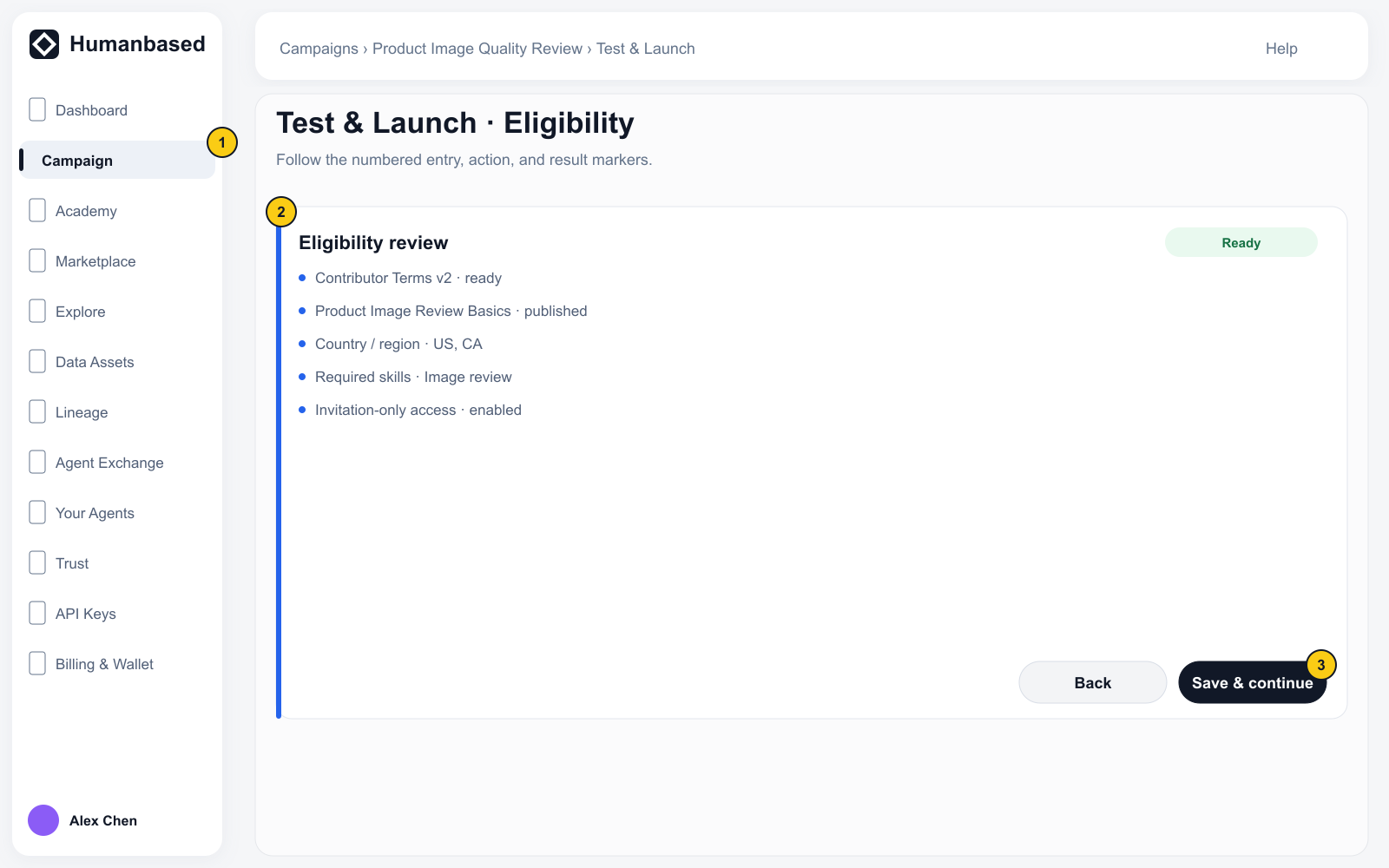
Review the participation requirements in Entry Gate and Campaign Settings, including Agreements, Academy courses, Contributor profile requirements, Qualifications, and invitation settings. To change them, return to Entry Gate or Campaign Detail → Settings → Qualification requirements.
3. Dry-run
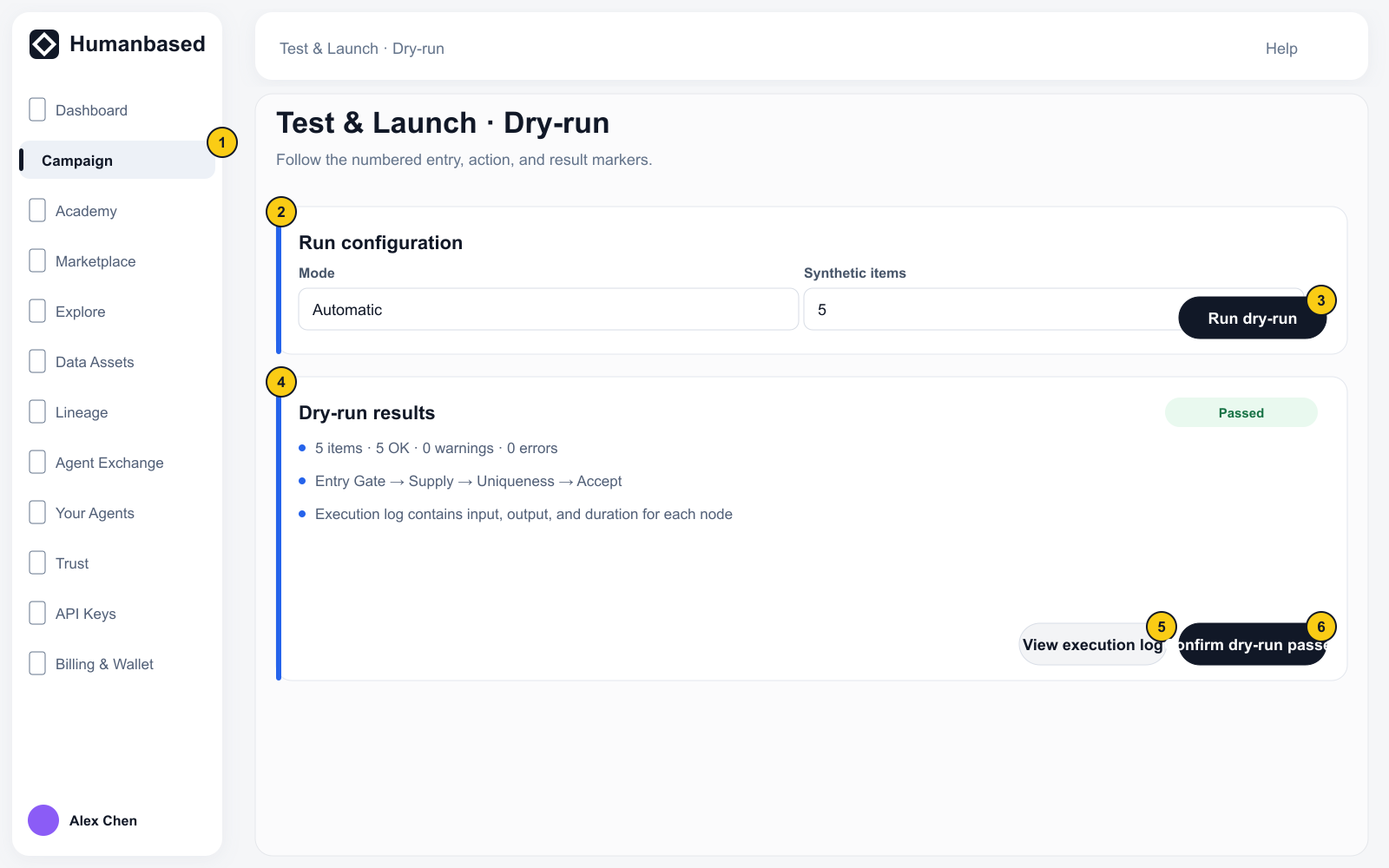
- Select Manual or Automatic when the page provides the choice.
- Select Run dry-run.
- Review items, OK, Warnings, and Errors in the summary.
- Expand each node and inspect items in, items out, and its message.
- Expand Execution log to review the full run.
- If the run fails, return to Builder, correct the nodes, and save again.
- After a successful run, select Confirm dry-run passed.
Dry-run uses synthetic items and is isolated from production contributions, Rewards, and delivery.
4. Settings
Review the Name, Description, Cover image, compensation, and other launch settings. These fields are not edited again on this page; use the Fix action beside an item to return to its configuration page.
5. Launch
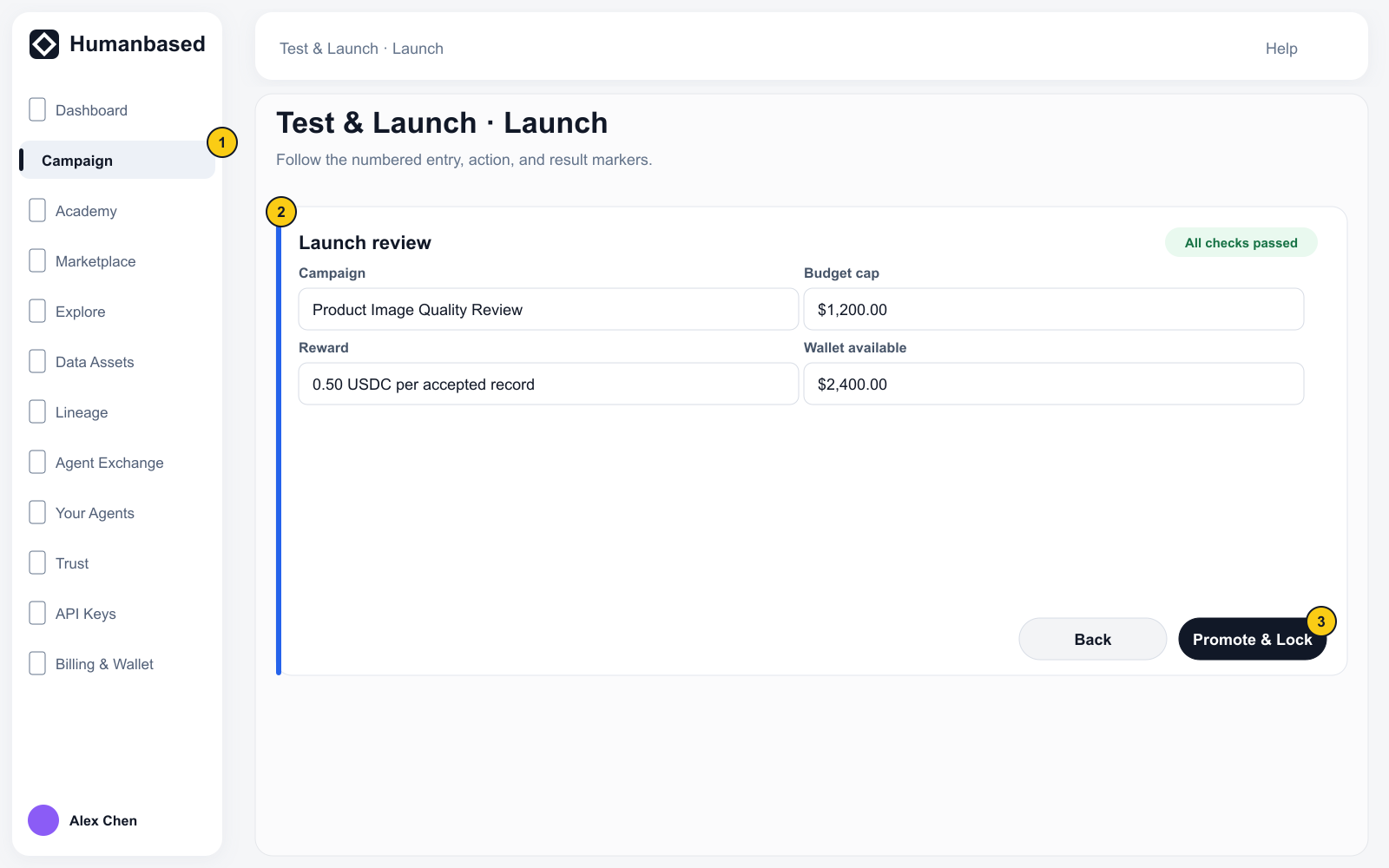
The page reviews the Campaign name, Budget cap, Projected spend, Wallet balance, and Compensation.
Promote & Lock becomes available only when:
- Pricing & Budget is saved;
- Eligibility is confirmed;
- Dry-run has passed and been confirmed;
- the Settings check has passed;
- Name, Description, and Cover image are saved; and
- Wallet available is at least the Budget cap.
Select Promote & Lock. A successful launch changes the Campaign to Live.